Google Antigravity Setup Guide: Install the IDE and agy CLI, Agent Manager, Rules and MCP (2026)
Install Google Antigravity on macOS, Windows or Linux, set up the agy CLI, use the Agent Manager, write AGENTS.md rules and connect MCP servers, step by step.
By Harsh Thummar 9–11 min read
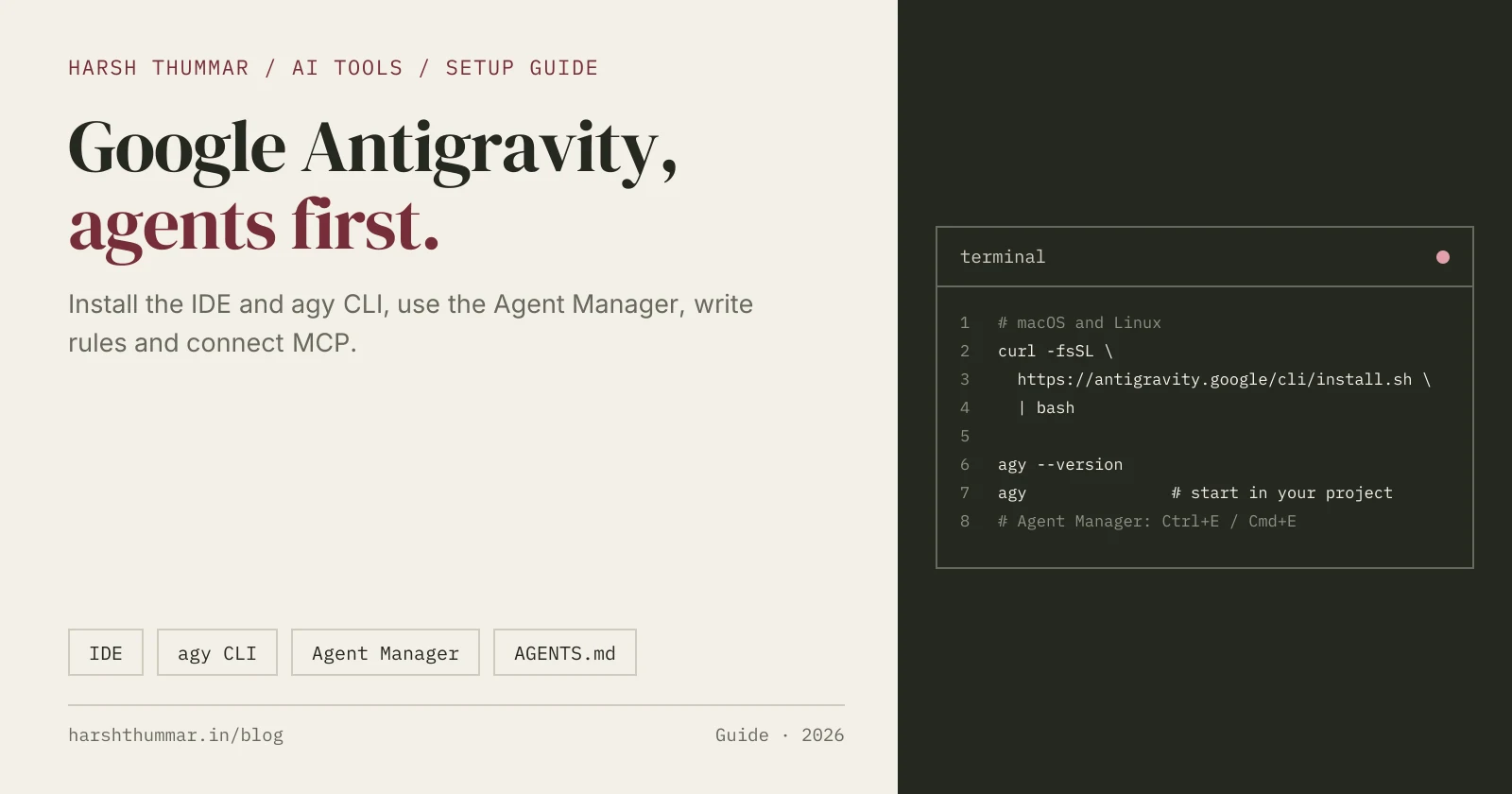
Google Antigravity is Google's agent-first development platform. Instead of only suggesting the next line, it lets AI agents take whole tasks: plan the work, write the code, run it and check the result, while you review and steer.
Antigravity has grown from a single IDE into a family of tools: the Antigravity app and IDE, the agy command-line tool, extensions for other editors (VS Code, Visual Studio, JetBrains, Zed and Xcode) and a Python SDK. This Google Antigravity setup guide focuses on the parts most developers need: the IDE, the CLI, the Agent Manager, rules and MCP.
Steps and paths come from the official Antigravity documentation, checked on 22 October 2026. For pricing and alternatives, see the Google Antigravity tool page.
Requirements
- macOS 12 or later (Apple Silicon or Intel)
- Windows 10 or 11, 64-bit
- Linux with glibc 2.28 or later (Ubuntu 20+, Debian 10+, Fedora 36+, RHEL 8+)
- A personal Google account, or a Gemini Enterprise account for work
Antigravity is free for individuals with weekly rate limits. Google AI Pro and Ultra subscribers get higher limits.
Step 1: Install the Antigravity IDE
- Go to antigravity.google/download.
- Download the installer for your operating system and run it.
- Open Antigravity and sign in with your Google account in the browser window that opens.
- Open a project folder.
The editor will feel familiar if you have used VS Code: file explorer, tabs, terminal and AI completions while you type. The difference is the agent side of the app.
Step 2: Use the Agent Manager
The Agent Manager is where you hand tasks to agents and follow their progress. Open it with the button in the top bar, or press Ctrl+E (Cmd+E on macOS).
A good way to work with it:
- Describe one task clearly, with a finish line: "Add pagination to the /blog page, 10 posts per page, and keep the URL in sync with ?page=."
- Read the agent's plan before it starts changing code. Correct it early if the approach is wrong.
- Let it build and verify. Agents can run commands and check their own work.
- Review the changes and the results it reports, then accept or ask for fixes.
You can run several agents in parallel on separate tasks, which is where an agent-first editor saves the most time. Keep parallel tasks in different parts of the codebase so they don't conflict.
Step 3: Install the agy CLI
Antigravity's command-line tool is called agy. Use it in any terminal, over SSH or in scripts.
macOS and Linux
curl -fsSL https://antigravity.google/cli/install.sh | bashWindows (PowerShell)
irm https://antigravity.google/cli/install.ps1 | iexCheck the install and start a session in your project:
agy --version
cd my-project
agy
The CLI signs in with your Google account. It can also use a Gemini API key from the GEMINI_API_KEY environment variable when its model provider is set to Gemini, which is handy on servers.
Step 4: Write Rules for Your Project
Rules give the agents lasting instructions about your codebase. Antigravity reads both the shared AGENTS.md format and its own GEMINI.md.
Workspace rules (per project)
AGENTS.mdorGEMINI.mdin the project- Extra rule files in
.agents/rules/*.md
# AGENTS.md

## Commands
- Install: npm ci
- Dev: npm run dev
- Tests: npm test

## Rules
- TypeScript strict mode
- Use existing UI components in components/ui
- Every change must keep `npm test` green
- Never commit .env files
Global rules (all projects)
~/.gemini/AGENTS.mdor~/.gemini/GEMINI.md- Extra rule files in
~/.gemini/config/rules/*.md
If you see older tutorials using a .agent/rules folder, that is now the legacy path; use .agents/rules.
Because AGENTS.md is also read by Codex, Copilot and Cursor, one file can guide every agent your team uses.
Step 5: Connect MCP Servers
MCP (Model Context Protocol) servers let agents use external tools, such as databases, issue trackers or docs.
- The easy way: add servers from the MCP Store in the app or IDE, or with the
/mcpcommand in the CLI. - By file: global servers go in
~/.gemini/config/mcp_config.json, and project servers go in.agents/mcp_config.json.
{
  "mcpServers": {
    "docs": {
      "command": "npx",
      "args": ["-y", "@upstash/context7-mcp"]
    },
    "my-remote-server": {
      "serverUrl": "https://example.com/mcp"
    }
  }
}
Note the field name for remote servers: Antigravity uses serverUrl, not url. Only connect servers you trust, and keep tokens in environment variables.
Antigravity Tips
- Start with the plan. Reviewing a plan takes seconds; undoing a wrong approach takes much longer.
- Use rules early. A short AGENTS.md prevents most repeated corrections.
- Parallelise carefully. Separate agents should work on separate files or features.
- Watch the rate limits on the free tier, and keep big refactors for times you can review them properly.
- Commit often so every agent's work is easy to inspect or roll back.
Related Guides
- Google Antigravity: features, pricing and alternatives →Free tier, Google AI plans and business options.
- Cursor AI Code Editor Setup Guide →The most popular AI-first editor.
- Claude Code Setup Guide →A terminal agent with VS Code integration.
- OpenAI Codex CLI Setup Guide →Codex in the terminal, IDE and cloud.
- AI Tools for Developers →Compare AI editors, agents and builders.
Frequently Asked Questions
Is Google Antigravity free?
Yes, Antigravity is free for individuals with weekly rate limits. Google AI Pro and Ultra subscribers get higher limits, and businesses can use it through Google Cloud.
How do I install the Antigravity CLI?
On macOS and Linux run curl -fsSL https://antigravity.google/cli/install.sh | bash. On Windows run irm https://antigravity.google/cli/install.ps1 | iex in PowerShell. Then run agy in your project folder.
How do I open the Agent Manager in Antigravity?
Use the Agent Manager button in the top bar or press Ctrl+E (Cmd+E on macOS).
Where do Antigravity rules go?
Workspace rules go in AGENTS.md or GEMINI.md and in .agents/rules/*.md. Global rules go in ~/.gemini/AGENTS.md or ~/.gemini/GEMINI.md and ~/.gemini/config/rules/*.md.
How do I add an MCP server to Antigravity?
Add it from the MCP Store, use /mcp in the CLI, or edit ~/.gemini/config/mcp_config.json (global) or .agents/mcp_config.json (project). Remote servers use the serverUrl field.
Conclusion
Getting started with Antigravity is quick: install the IDE, sign in with Google, open the Agent Manager and hand an agent a well-defined task. Add the agy CLI for terminal work, a short AGENTS.md for consistent results, and MCP servers when agents need outside tools.
Compare Antigravity with other AI editors and agents in the AI tools directory.