
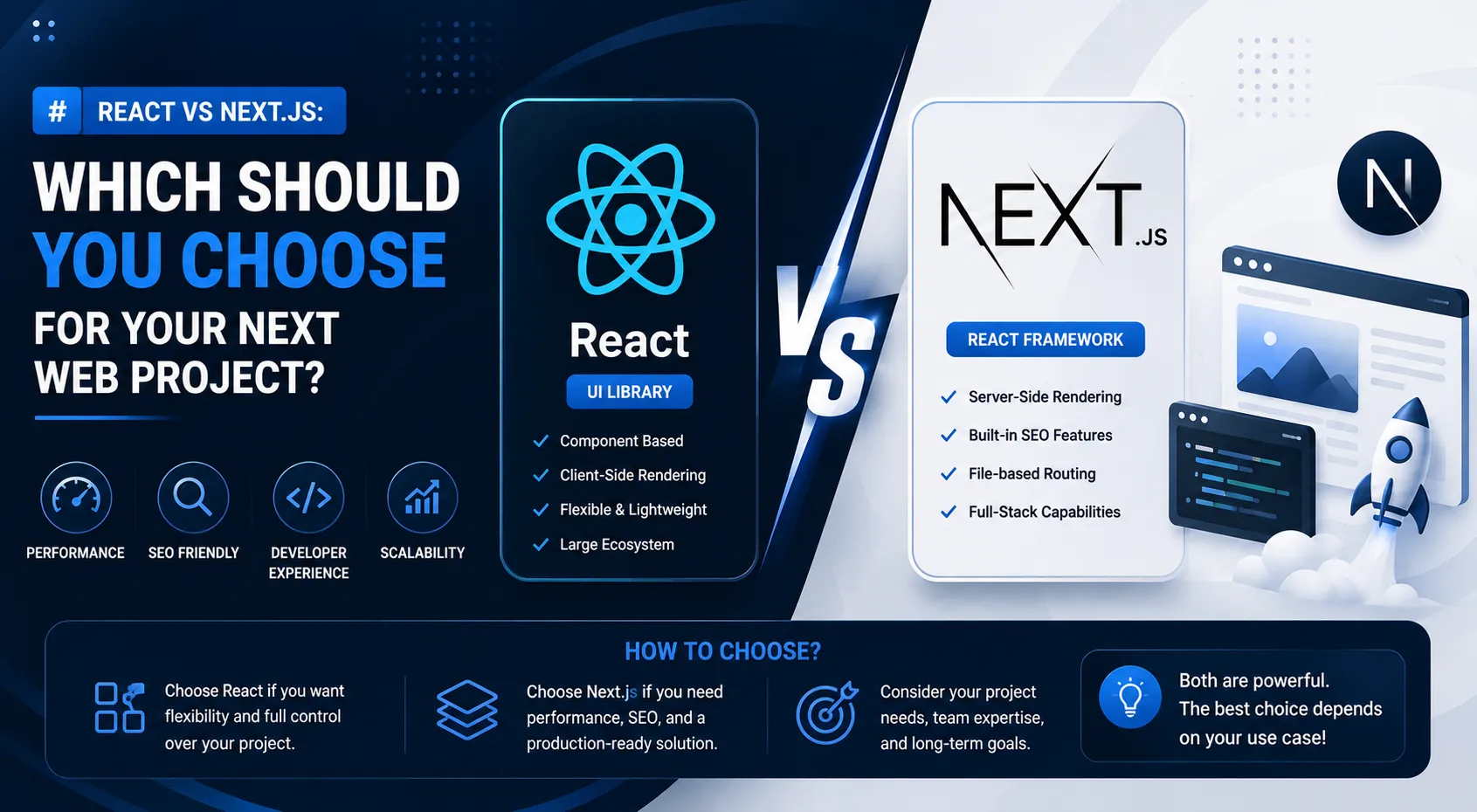
React vs Next.js: Which Should You Choose for Your Next Web Project?
React and Next.js are two of the most popular technologies in the modern JavaScript ecosystem for any React developer or Next.js developer. Developers often ask whether they should build a project with React or use Next.js.
The answer depends on the type of application you are building, your SEO requirements, rendering strategy, project architecture, and development requirements.
In this article, we will compare React vs Next.js and explain when each technology makes sense for React website development.
What Is React?
React is a JavaScript library for building user interfaces.
It allows developers to create reusable components and manage dynamic application interfaces efficiently.
React is commonly used for:
- Single-page applications
- Dashboards
- Admin panels
- SaaS applications
- Interactive interfaces
- E-commerce frontends
React focuses primarily on the UI layer.
What Is Next.js?
Next.js is a React-based framework designed to provide additional features and application architecture around React.
It can provide capabilities for:
- Routing
- Server-side rendering
- Static generation
- Server components
- API/backend functionality
- Image optimization
- Next.js SEO
- Production deployment
This makes Next.js attractive for applications that need more than a client-side UI library.
React vs Next.js: The Main Difference
The simplest way to understand Next.js vs React is:
React is a UI library, while Next.js is a framework built around React.
With React, developers often choose additional libraries for routing, data fetching, project structure, and other requirements.
Next.js provides many of these capabilities as part of its framework.
SEO: React vs Next.js
SEO is an important consideration for websites that depend on organic search traffic.
Traditional client-side React applications may require additional work to make important content easily available to search engines and social sharing systems.
Next.js provides rendering strategies that can make content delivery and metadata management easier with Next.js SEO.
For:
- Blogs
- Marketing websites
- Company websites
- Portfolio websites
- Documentation
- E-commerce websites
Next.js can be a strong choice.
Performance Considerations
Performance depends on many factors and cannot be determined simply by choosing React or Next.js.
Important factors include:
- JavaScript bundle size
- Image optimization
- API performance
- Database performance
- Caching
- Rendering strategy
- Hosting infrastructure
- Third-party scripts
A well-built React application can be fast, and a poorly optimized Next.js application can still be slow across JavaScript frameworks.
The framework is only one part of performance.
Routing
React applications commonly use a routing library to create multiple pages.
Next.js provides a framework-level routing system.
For a large application, having routing integrated into the framework can simplify development and project organization.
When Should You Use React?
React can be a great choice when you are building:
- Internal dashboards and portals
- Admin applications
- Highly interactive web applications with dynamic client state
- Single-page applications (SPAs)
- Frontends connected to a decoupled backend API
For example, our VettedPool Case Study demonstrates an interactive recruitment workspace featuring 4 role-based dashboards built with React and Laravel. Similarly, the HSFin Case Study showcases a real-time personal finance dashboard built with React and Node.js.
In these situations where client-side interactivity and authenticated workflows take priority over public web indexing, React provides exceptional fluidity and flexibility.
When Should You Use Next.js?
Next.js is particularly useful when you need:
- SEO-friendly pages and public discoverability
- Server-side rendering (SSR) and Server Components
- Static generation (SSG) with on-demand revalidation
- Marketing websites and blogs
- Content-heavy portals and e-commerce applications
- Full-stack React applications with server capabilities
For example, our NutriLeft Case Study illustrates how Next.js powers a high-speed nutritional guide with instant server-rendered food comparison pages, dynamic portion scalers, and top-tier SEO discoverability. To dive deeper into Next.js speed strategies, read our guide on Next.js 16 Performance Optimization.
React vs Next.js for Freelancers
For freelance development, knowing both technologies is valuable.
Different clients have different requirements when deciding React or Next.js.
One client may need an internal React dashboard.
Another may need an SEO-focused business website built with Next.js.
Understanding the difference allows a developer to choose technology based on the actual project rather than simply using the same framework for every project.
React vs Next.js for Beginners
If you are learning web development, learning React first can provide a strong foundation.
Once you understand:
- Components
- Props
- State
- Hooks
- Events
- API requests
- Component architecture
you can move into Next.js and learn its additional concepts.
This creates a natural learning path.
Which One Should You Choose?
Use React when you primarily need a client-side UI and have flexibility to select supporting libraries.
Use Next.js when you want a more complete React framework with features that can support SEO, routing, server-side functionality, and different rendering strategies.
The best choice is not about which technology is universally better.
It is about which technology matches the project requirements.
My Recommendation
For a modern public-facing website, portfolio, blog, or SEO-focused business website, I would generally consider Next.js first.
For an internal dashboard or application where SEO is not important, React can be a very practical choice.
For a full-stack application, Next.js can also reduce the number of separate technologies required.
Conclusion
React and Next.js are not really competitors in the traditional sense.
Next.js is built around React and extends its capabilities into a broader application framework.
Learning React gives you the foundation.
Learning Next.js helps you build production-oriented React applications with additional capabilities.
As a full-stack JavaScript developer, knowing when to use each technology is more important than choosing one technology for every project.
Frequently Asked Questions
Is Next.js better than React?
Not necessarily. Next.js is a framework built around React and provides additional features. The right choice depends on project requirements.
Is Next.js good for SEO?
Yes. Next.js provides features that can make building SEO-friendly websites easier, including flexible rendering and metadata capabilities.
Should I learn React before Next.js?
Learning React fundamentals first is generally helpful because Next.js builds on React concepts.
Can Next.js replace React?
Next.js does not replace React. Next.js uses React as its UI foundation.
Which is better for a portfolio website?
Next.js can be an excellent choice for a portfolio because portfolios often benefit from SEO, fast page delivery, routing, and good metadata.
Which is better for dashboards?
Both can work well. React is commonly suitable for highly interactive client-side dashboards, while Next.js can also handle dashboards and full-stack applications. For a complete step-by-step tutorial on building full-stack applications, explore our How to Build a Full-Stack Web Application with React, Node.js & MongoDB guide.
How to Build a Secure REST API with Node.js, Express, JWT, and MongoDB
How to Build a Full-Stack Web Application with React, Node.js, Express, and MongoDB
Related Articles & Guides
How to Build a Secure REST API with Node.js, Express, JWT, and MongoDB
Learn how to build a secure REST API using Node.js, Express, MongoDB, and JWT authentication with proper validation, authorization, error handling, and security practices.
How to Build a Full-Stack Web Application with React, Node.js, Express, and MongoDB
Learn how to build a full-stack web application using React, Node.js, Express, and MongoDB, including frontend, REST API, database, authentication, and deployment.
Next.js 16 Authentication: Secure Login, JWT, Sessions and Protected Routes
Learn how to implement secure authentication in Next.js 16 with login, sessions, protected routes, authorization, password hashing, JWT concepts, and best practices.