Lovable AI App Builder Guide: Build, Sync to GitHub, Run Locally and Publish (2026)
How to build a full-stack app with Lovable: prompting, Lovable Cloud, two-way GitHub sync, running the code locally, custom domains, credits and the Lovable MCP server.
By Harsh Thummar 10–12 min read
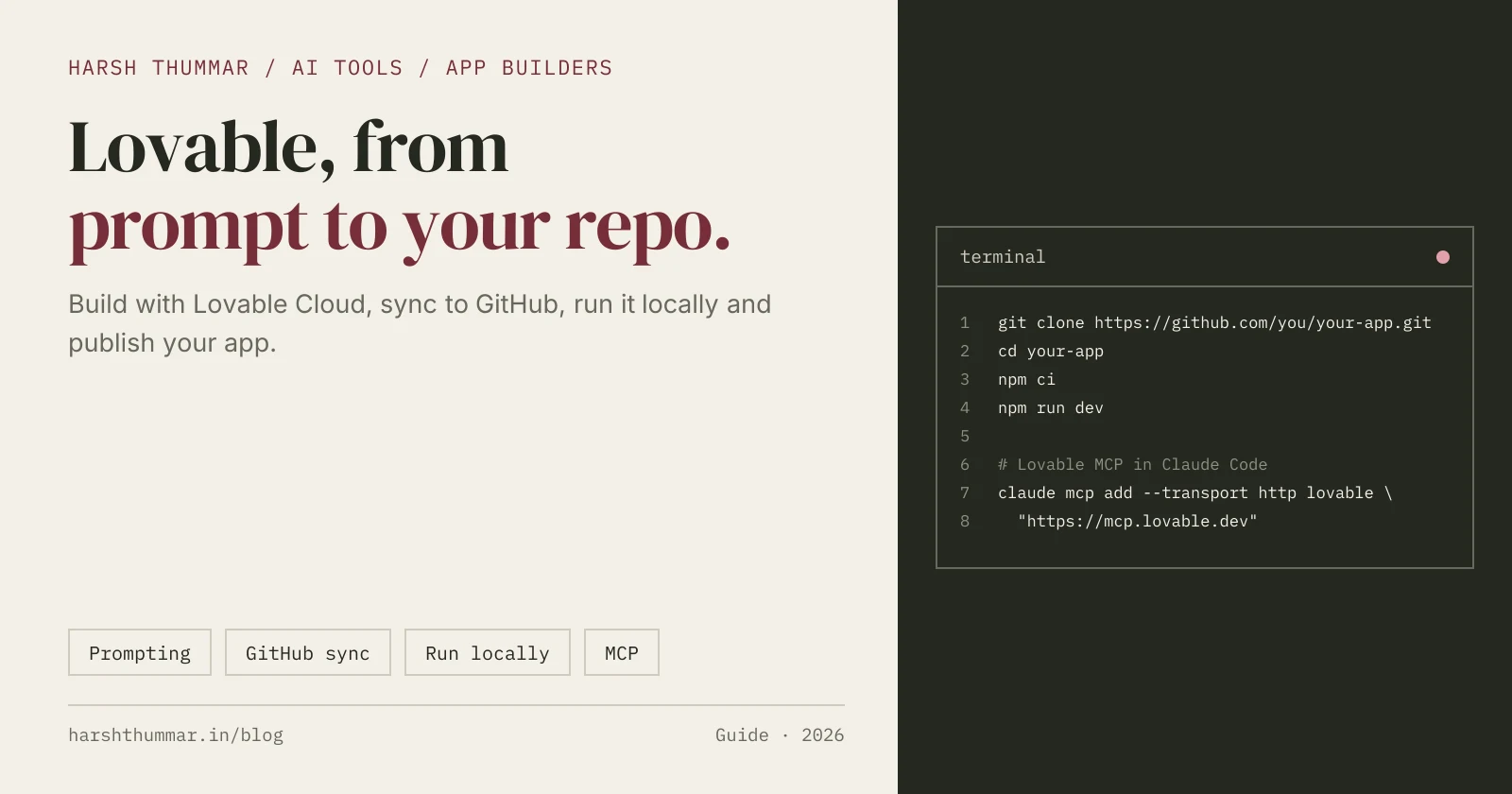
Lovable is an AI app builder. You describe the app you want in plain language, and it builds a working full-stack web app with an interface, logic, database and authentication that you can preview straight away, keep refining in chat, and publish.
What makes Lovable useful for developers is that the code is real and yours. With two-way GitHub sync you can open the project in your own editor, run it locally and keep working with your usual tools.
This Lovable AI app builder guide covers writing good prompts, the built-in backend, GitHub sync, running the code locally, publishing with a custom domain, how credits work, and connecting Lovable to Claude Code or Cursor through MCP. Everything comes from Lovable's official documentation, checked on 22 October 2026. For plans and alternatives, see the Lovable tool page.
What Lovable Builds With
- New projects use TanStack Start. It became the default for new projects on 13 May 2026. Older projects use React with Vite. You can check which one you have in
package.json: TanStack Start projects list@tanstack/react-start. - Lovable Cloud is the built-in backend, on by default. It is built on Supabase's open-source foundation and gives you a database, authentication, file storage, realtime and edge functions without any setup. You can connect your own Supabase project instead if you prefer.
Step 1: Write a Prompt That Builds the Right App
The first prompt shapes everything that follows. Describe the users, the main screens and the key actions:
Build a habit tracker for students.
- Sign up and log in with email
- Dashboard: today's habits with a checkbox for each, and a 7-day streak
- Add, edit and delete habits (name, colour, days of the week)
- Weekly progress chart
- Clean, minimal design with a light theme and mobile-first layout
Then improve it in small steps:
- One change per message: "Add a reminder time to each habit."
- Be specific about the screen: "On the dashboard, show habits completed today at the bottom."
- Use Plan mode to talk through a bigger change before Lovable writes code.
- Test after every change in the preview.
Step 2: Understand Credits
Lovable meters work in credits.
- Free plan: 5 build credits per day, up to 30 per month.
- Plan mode costs 1 credit per message. Build mode usually costs between 0.5 and 2 credits per message, depending on the size of the change.
- On monthly paid plans, unused credits roll over and expire two months after they were issued.
Small, clear prompts use fewer credits than vague ones that need fixing afterwards.
Step 3: Connect GitHub (Two-Way Sync)
GitHub sync keeps a copy of your code in your own repository, and changes flow both ways.
- In Workspace settings, go to Git, then GitHub, then Add connection, and authorise Lovable.
- In your project, open Project settings, then Git, then GitHub, and click Connect.
- Lovable creates a new private repository and starts syncing automatically.
Things to know:
- Lovable syncs one branch, the default branch (usually
main). - If Lovable and GitHub have diverged, Lovable pushes to a
lovable-syncbranch instead of overwriting your work. - Sync always creates a new repository. You can't connect an existing repo, and reconnecting creates another new repo.
- GitLab and Bitbucket are also supported.
Step 4: Run Your Lovable Project Locally
Once your code is on GitHub, clone it and run it like any other project. Lovable's docs recommend Node.js 22.
git clone https://github.com/your-username/your-lovable-project.git
cd your-lovable-project
Install dependencies with the lockfile the repo uses:
# If the repo has package-lock.json
npm ci

# If it only has bun.lock
bun install
Then start the dev server with the script in package.json (usually dev):
npm run devTo build for production:
- React + Vite projects:
npm run buildwrites the site todist. SetVITE_SUPABASE_URLandVITE_SUPABASE_PUBLISHABLE_KEYin a.envfile if the app uses the backend. - TanStack Start projects:
NITRO_PRESET=node-server npm run build
node .output/server/index.mjs
The server then runs on port 3000. Lovable notes that built-in connectors and AI calls don't work when you run the app outside Lovable.
When you push commits back to the synced branch, the changes appear in Lovable too.
Step 5: Publish and Add a Custom Domain
- Click Publish in the top right. Your app goes live at
your-project.lovable.app. - After later edits, click Publish changes. Edits are not live until you do.
For a custom domain (paid plans):
- Open Project, then Settings, then Domains.
- Buy a domain there or connect one you already own.
- If you connect your own, add the DNS records Lovable shows you: an A record pointing to
185.158.133.1and a TXT record at_lovablewith a value that starts withlovable_verify=.
Step 6: Connect Lovable to Claude Code or Cursor with MCP
Lovable has an official MCP server at https://mcp.lovable.dev, which uses OAuth sign-in. It lets coding agents work with your Lovable projects.
In Claude Code:
claude mcp add --transport http lovable "https://mcp.lovable.dev"In Cursor, add it to ~/.cursor/mcp.json:
{
  "mcpServers": {
    "lovable": { "url": "https://mcp.lovable.dev" }
  }
}
In VS Code, add it under the servers key of your MCP configuration.
Before You Go to Production
Lovable is excellent for MVPs and internal tools. Before real users arrive:
- Review authentication and data rules, especially who can read and write each table.
- Keep secrets out of the frontend. Only publishable keys belong in client code.
- Read the generated code for the critical paths, such as payments and permissions.
- Add tests for the flows that must not break.
Related Guides
- Lovable: features, pricing and alternatives →Verified plans and credits.
- v0 by Vercel Guide →Prompt to Next.js apps, GitHub and Vercel.
- Bolt.new AI App Builder Guide →Build, download and deploy from the browser.
- Build an AI-Powered Web App →The hand-coded route with Next.js and Node.js.
- AI Tools for Developers →Compare app builders, agents and editors.
Frequently Asked Questions
Is Lovable free?
Yes. Lovable's free plan gives you 5 build credits per day, up to 30 per month. Paid plans start at $25 per month.
Can I export my Lovable code?
Yes. Connect GitHub in Project settings and Lovable creates a private repository with two-way sync. You can then clone it and work on it locally.
How do I run a Lovable project locally?
Clone the GitHub repository, use Node.js 22, install dependencies with npm ci (or bun install if the repo only has bun.lock), and start the dev script from package.json, usually npm run dev.
What stack does Lovable use?
New projects use TanStack Start, which became the default on 13 May 2026. Older projects use React with Vite. The built-in backend, Lovable Cloud, is based on Supabase.
Can I connect an existing GitHub repository to Lovable?
No. Lovable's GitHub sync always creates a new repository, and reconnecting creates another new one.
How do I add a custom domain to Lovable?
On a paid plan, open Project Settings then Domains. Buy a domain there, or connect your own by adding an A record to 185.158.133.1 and a TXT record at _lovable with your lovable_verify value.
Conclusion
Lovable is one of the fastest ways to go from an idea to a working full-stack app. Write a clear first prompt, improve it in small steps, connect GitHub early so the code is always yours, and run it locally when you need full control.
Compare Lovable with other AI app builders in the AI tools directory.