Bolt.new Guide: Build Apps in the Browser, GitHub Sync, Run Locally and Deploy (2026)
How to build web apps with Bolt.new: prompting, Bolt Cloud hosting and databases, two-way GitHub sync, downloading and running the code locally, tokens and custom domains.
By Harsh Thummar 9–11 min read
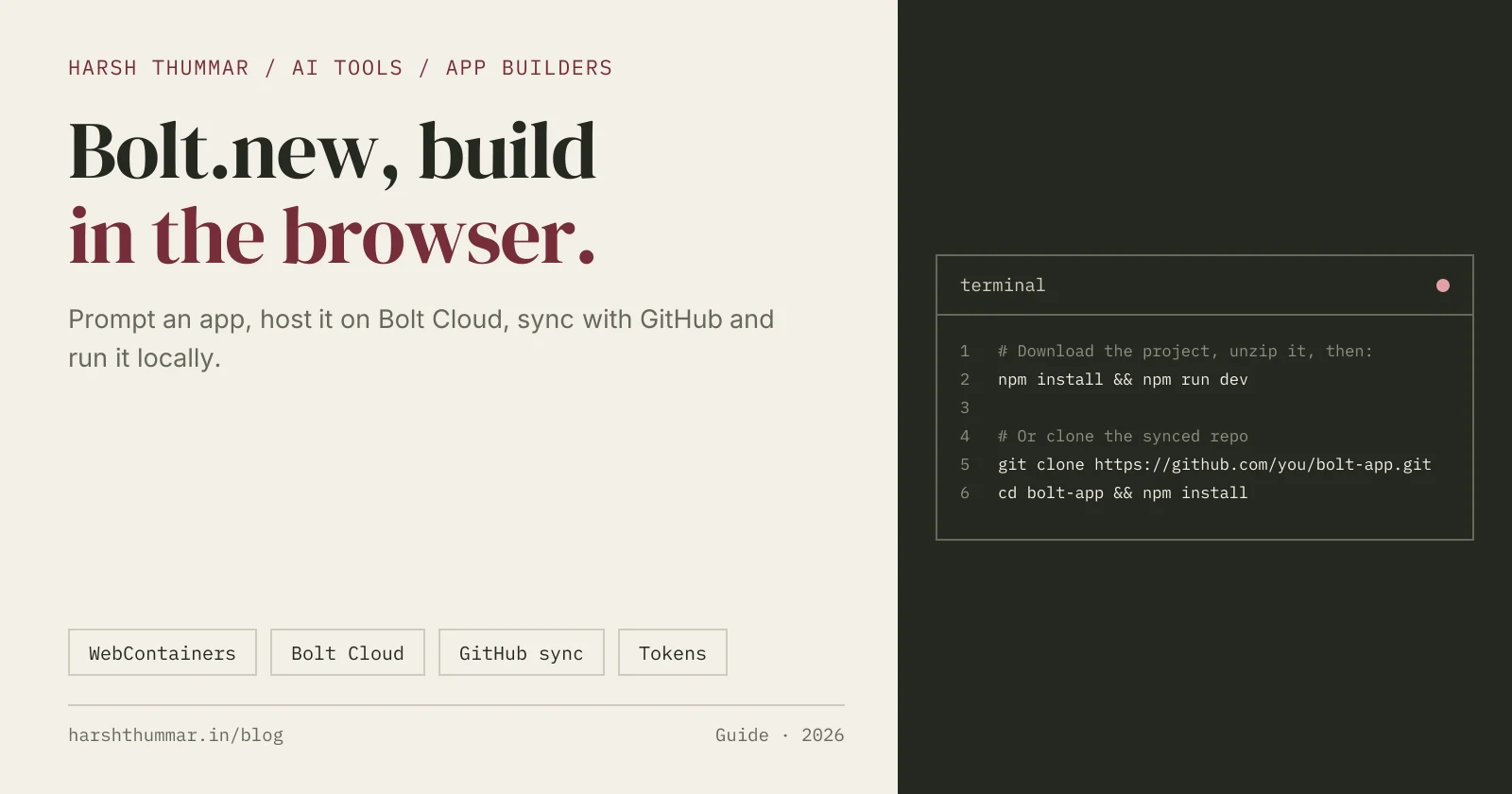
Bolt.new, now branded simply as Bolt, is an AI app builder from StackBlitz. You describe an app or website, and Bolt builds it with the code running live in your browser. It is powered by StackBlitz's WebContainers, an in-browser development environment, so there is nothing to install to get started.
Bolt now includes Bolt Cloud: built-in hosting, a database and authentication. You can go from a prompt to a deployed full-stack app without setting up servers, and still open and edit every file.
This Bolt.new guide covers prompting, Bolt Cloud, two-way GitHub sync, downloading and running your project locally, tokens and custom domains. Facts come from Bolt's official support docs, checked on 22 October 2026. For plans and alternatives, see the Bolt.new tool page.
Step 1: Start with a Clear Prompt
Open bolt.new and create a free account. Then describe what you want to build:
Build a recipe sharing app.
- Users can sign up and log in
- Create a recipe with title, photo, ingredients and steps
- Home page lists recipes with search by ingredient
- Each recipe has a detail page and a "save to favourites" button
- Responsive design with a warm, simple style
Bolt generates the files, installs dependencies and starts the app in the preview. Then refine it in small steps, testing each change as you go:
- "Add a cooking time field and let users filter by under 30 minutes."
- "Show a friendly empty state when search finds nothing."
You can open any file in the code view and edit it yourself, too.
Step 2: Understand Tokens
Bolt meters AI work in tokens.
- Free plan: 1 million tokens per month, with a daily cap of 300,000. Unused free tokens don't roll over.
- Paid plans: unused tokens roll over for two months.
- Large projects use more tokens per message, because Bolt reads and syncs your project files to understand them.
To save tokens, keep prompts focused, fix small issues by editing the code directly, and split very large apps into smaller pieces.
Step 3: Use Bolt Cloud for Hosting and Data
New projects use Bolt Cloud by default:
- Hosting: publish to a free
bolt.hostaddress with one click. - Database: new projects get a built-in Bolt database by default.
- Supabase (optional): on Pro and Teams you can choose Supabase when you create a project, and manage it under Settings, then Applications.
- Netlify (optional): you can host browser-only sites on Netlify instead.
- Custom domains need a paid plan.
Step 4: Connect GitHub (Two-Way Sync)
- Click the GitHub icon in Bolt and log in to GitHub.
- Install the Bolt GitHub App when asked.
- Bolt creates or connects a repository and starts syncing.
How sync works:
- It is two-way. Bolt commits non-breaking changes to GitHub and checks GitHub for new commits about every 30 seconds.
- You can create branches in Bolt, but you merge them on GitHub.
- To start from existing code, use GitHub below the chat box or Import from URL.
Step 5: Download and Run the Project Locally
You can work on any Bolt project on your own machine.
- Click the project title in the top left, then Download.
- Unzip the file.
- Install Node.js if you don't have it.
- Open a terminal in the project folder and run:
npm install && npm run devIf the project is synced to GitHub, you can clone it instead:
git clone https://github.com/your-username/your-bolt-project.git
cd your-bolt-project
npm install
npm run dev
Changes you push to the synced branch flow back into Bolt.
Step 6: Publish and Share
- Click Publish to deploy the app to Bolt hosting at a
bolt.hostaddress. - Share the link with testers or users.
- On a paid plan, connect a custom domain in the project settings.
Before You Launch
- Check authentication and data access: who can read, create and delete each record.
- Keep secrets out of client code and use environment variables.
- Review the generated code for critical flows like payments.
- Test on a phone as well as your desktop browser.
Related Guides
- Bolt.new: features, pricing and alternatives →Verified plans from Free to Teams.
- Lovable AI App Builder Guide →Full-stack apps with Lovable Cloud and GitHub sync.
- v0 by Vercel Guide →Prompt to Next.js apps and Vercel deploys.
- Build a Full-Stack App with React and Node.js →The hand-coded route.
- AI Tools for Developers →Compare app builders, agents and editors.
Frequently Asked Questions
Is Bolt.new free?
Yes. Bolt has a free plan with no card required, which includes 1 million tokens per month with a daily limit of 300,000. Pro starts at $18 per month, billed annually.
How do I run a Bolt.new project locally?
Click the project title, then Download, unzip the project, install Node.js and run npm install && npm run dev in the project folder. You can also clone the synced GitHub repository.
Does Bolt.new sync with GitHub?
Yes. After you install the Bolt GitHub App, sync is two-way: Bolt commits non-breaking changes and checks GitHub for new commits about every 30 seconds.
Where is a Bolt app hosted?
New projects publish to Bolt hosting with a free bolt.host address. Netlify is an option for browser-only sites, and custom domains need a paid plan.
What powers Bolt.new?
Bolt is built by StackBlitz and runs your app in the browser using StackBlitz's WebContainers technology.
Conclusion
Bolt is a fast way to go from an idea to a deployed app with no local setup. Prompt clearly, keep an eye on tokens, connect GitHub so your code is safe, and download the project whenever you want to keep building in your own editor.
Compare Bolt with other AI app builders in the AI tools directory.