Devin AI Guide: Set Up Repos, Slack and Linear, the Devin API, MCP and Devin Desktop (2026)
How to set up Devin by Cognition: connect your repos, approve the environment blueprint, delegate tasks from Slack, Linear and Jira, use DeepWiki, the v3 API and MCP.
By Harsh Thummar 10–12 min read
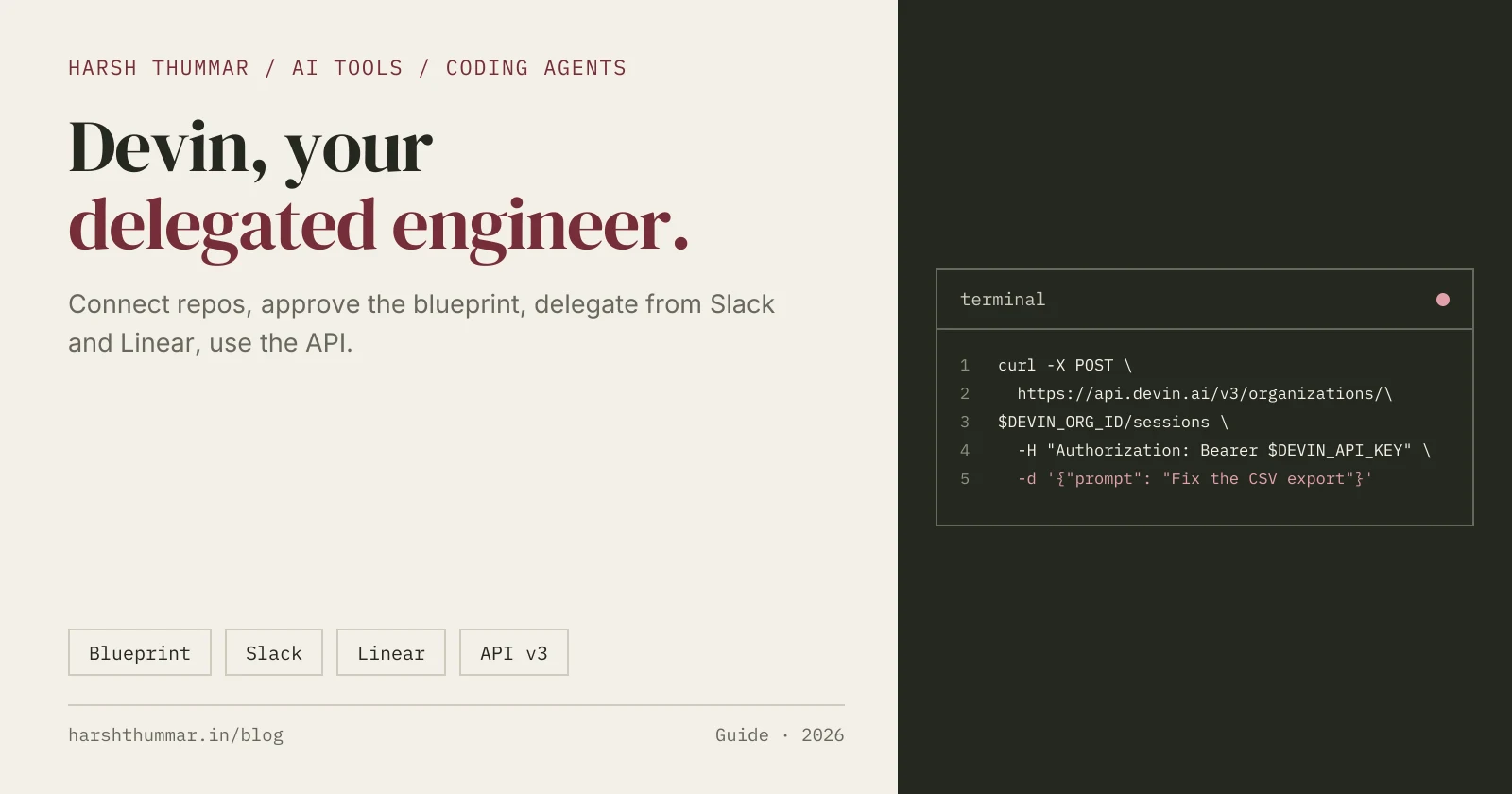
Devin is an AI coding agent from Cognition, built to work like an autonomous software engineer. You give it a task, and it plans the work, writes and tests code in its own cloud machine, and hands back the result, usually as a pull request.
Devin has grown into a set of tools: cloud sessions for delegated work, integrations with Slack, Linear and Jira, DeepWiki and Ask Devin for understanding codebases, an API and MCP server, and Devin Desktop, the new name for the Windsurf editor since 2 June 2026.
This Devin AI setup guide walks through connecting your code, preparing Devin's environment, delegating tasks from your team's tools, and automating it with the API. Steps come from Devin's official documentation, checked on 22 October 2026. For plans and alternatives, see the Devin tool page.
Devin Plans in Brief
- Free: $0 with a light usage quota.
- Pro: $20 per month. Max: $200 per month.
- Teams: from $80 per month ($40 per seat).
- Enterprise: custom.
Self-serve plans use daily and weekly quotas plus on-demand credits. ACUs (Agent Compute Units) are now used only on Enterprise plans.
Step 1: Connect Your Repositories
- Sign in at devin.ai.
- Open Settings, then Connections.
- Connect GitHub, GitLab or Bitbucket, and choose which repositories Devin can access.
Start with one or two repositories rather than your whole organisation.
Step 2: Set Up Devin's Environment (Blueprint)
Devin works in its own virtual machine, so it needs to know how to install and run your project.
- Ask Devin to set up the repository.
- Devin proposes a blueprint: a YAML configuration describing how to install dependencies, run the app and run tests.
- Review and approve the blueprint. Add API keys and other secrets in the blueprint's Secrets tab, never in the repository.
- Devin builds a snapshot from it. Every new session starts from a fresh copy of that machine.
If Devin can run your tests in its environment, it can check its own work, which is the biggest factor in good results.
Step 3: Teach Devin Your Conventions
- AGENTS.md and CLAUDE.md: Devin reads these files automatically, so instructions you already wrote for other agents carry over.
- Skills: the old Knowledge feature is deprecated and being migrated to Skills.
- Playbooks: reusable instructions for repeated tasks, "like a custom system prompt". Create them in Settings, then Playbooks, then Create playbook. Good candidates: dependency upgrades, adding an API endpoint, writing tests for a module.
A simple AGENTS.md:
# AGENTS.md
- Install: npm ci
- Tests: npm test (must pass before opening a PR)
- Lint: npm run lint
- One feature per pull request, with a short summary and test notes
- Never change database migrations that are already deployed
Step 4: Delegate from Slack
- In Settings, then Connections, then Slack, click Connect.
- Each teammate clicks Link user profile. Your Slack email must match your Devin email.
- Mention @Devin in a channel or thread to start a session:
@Devin the CSV export on /reports times out for accounts with more than 10k rows.
Find the cause, stream the export instead of building it in memory, and add a test.
Use !ask in a message, or the /ask-devin command, for a quick question instead of a full task.
Step 5: Delegate from Linear or Jira
Linear
Connect Linear in Settings, then Connections. Then:
- Assign a ticket to Devin to run your default playbook.
- Add a label like
!plan,!implement,!triageor!reviewto run that kind of work. - Mention Devin in a comment to run the comment as a task.
Jira
Install the Devin for Jira app from the Atlassian Marketplace (or use a service account). Start work by assigning an issue to Devin, adding the devin label or mentioning @Devin.
Step 6: Understand Codebases with DeepWiki and Ask Devin
When Devin indexes a repository, it powers two features:
- DeepWiki: automatically generated documentation for the codebase. Index more repositories in Settings, then DeepWiki. Add a
.devin/wiki.jsonfile to the repo root to steer which pages it generates. - Ask Devin: ask questions about the code and get answers grounded in it.
Public repositories can be added at deepwiki.com. DeepWiki also has a free MCP server, so other agents can read those docs. In Claude Code:
claude mcp add -s user -t http deepwiki https://mcp.deepwiki.com/mcpStep 7: Automate with the Devin API (v3)
The Devin API lets you create sessions from scripts, CI or your own tools. The current version is v3; the old v1 sessions endpoint has been replaced. Use a service-user key or personal token (they start with cog_), and find your organisation ID at the top of Settings, then Devin API.
curl -X POST "https://api.devin.ai/v3/organizations/$DEVIN_ORG_ID/sessions" \
  -H "Authorization: Bearer $DEVIN_API_KEY" \
  -H "Content-Type: application/json" \
  -d '{"prompt": "Create a Python script that analyzes CSV data"}'
Keep DEVIN_API_KEY in environment variables or your CI's secret store.
Devin MCP server
Devin also has an MCP server at https://mcp.devin.ai/mcp, so other agents can start and manage Devin sessions. In Claude Code:
claude mcp add -s user -t http devin https://mcp.devin.ai/mcp -H "Authorization: Bearer <API_KEY>"Enterprise accounts also send an X-Org-Id header.
Devin Desktop (Formerly Windsurf)
Since 2 June 2026, Devin Desktop is the new name for the Windsurf editor, and its agent, previously called Cascade, is now Devin Local. Use Devin Desktop when you want to code hands-on with AI help, and cloud Devin sessions when you want to delegate a whole task. The JetBrains plugin still uses the Windsurf name. There is also a Devin CLI for the terminal.
How to Get Good Results from Devin
- Write tasks like tickets: what, where, and how to know it's done.
- Make tests runnable in Devin's environment, so it can check its own work.
- Start small: bug fixes, test coverage, small features and upgrades.
- Run tasks in parallel on separate parts of the codebase.
- Review every pull request before merging, as you would a teammate's.
Related Guides
- Devin: features, pricing and alternatives →Plans from Free to Teams and Enterprise.
- Claude Code Setup Guide →A hands-on coding agent in your terminal and VS Code.
- OpenAI Codex CLI Setup Guide →Local and cloud tasks with Codex.
- GitHub Copilot in VS Code Setup Guide →Assign issues to the Copilot cloud agent.
- AI Tools for Developers →Compare coding agents, editors and builders.
Frequently Asked Questions
Is Devin free?
Yes, Devin has a free plan with a light usage quota. Pro costs $20 per month, Max $200 per month, and Teams starts at $80 per month.
How do I set up Devin for my repository?
Connect GitHub, GitLab or Bitbucket under Settings, then Connections. Ask Devin to set up the repo, review the blueprint it proposes, add secrets in the Secrets tab, and approve it so Devin builds a snapshot of its environment.
How do I use Devin in Slack?
Connect Slack in Settings, then Connections, and have each user link their profile with a matching email. Then mention @Devin in a channel or thread to start a session.
Is Windsurf now Devin Desktop?
Yes. Devin Desktop is the new name for Windsurf since 2 June 2026, and the Cascade agent is now called Devin Local.
Does Devin have an API?
Yes. The Devin API v3 lets you create sessions with a POST request to /v3/organizations/{org_id}/sessions using a service-user key or personal token.
Does Devin read AGENTS.md?
Yes. Devin automatically reads AGENTS.md and CLAUDE.md files, so project instructions you wrote for other agents also guide Devin.
Conclusion
Devin works best as a teammate you delegate to: connect your repositories, approve a blueprint that can run your tests, add AGENTS.md and playbooks, and hand it well-written tickets from Slack, Linear or Jira. Review every pull request it opens, and use the API to fit it into your own automation.
Compare Devin with other coding agents in the AI tools directory.