
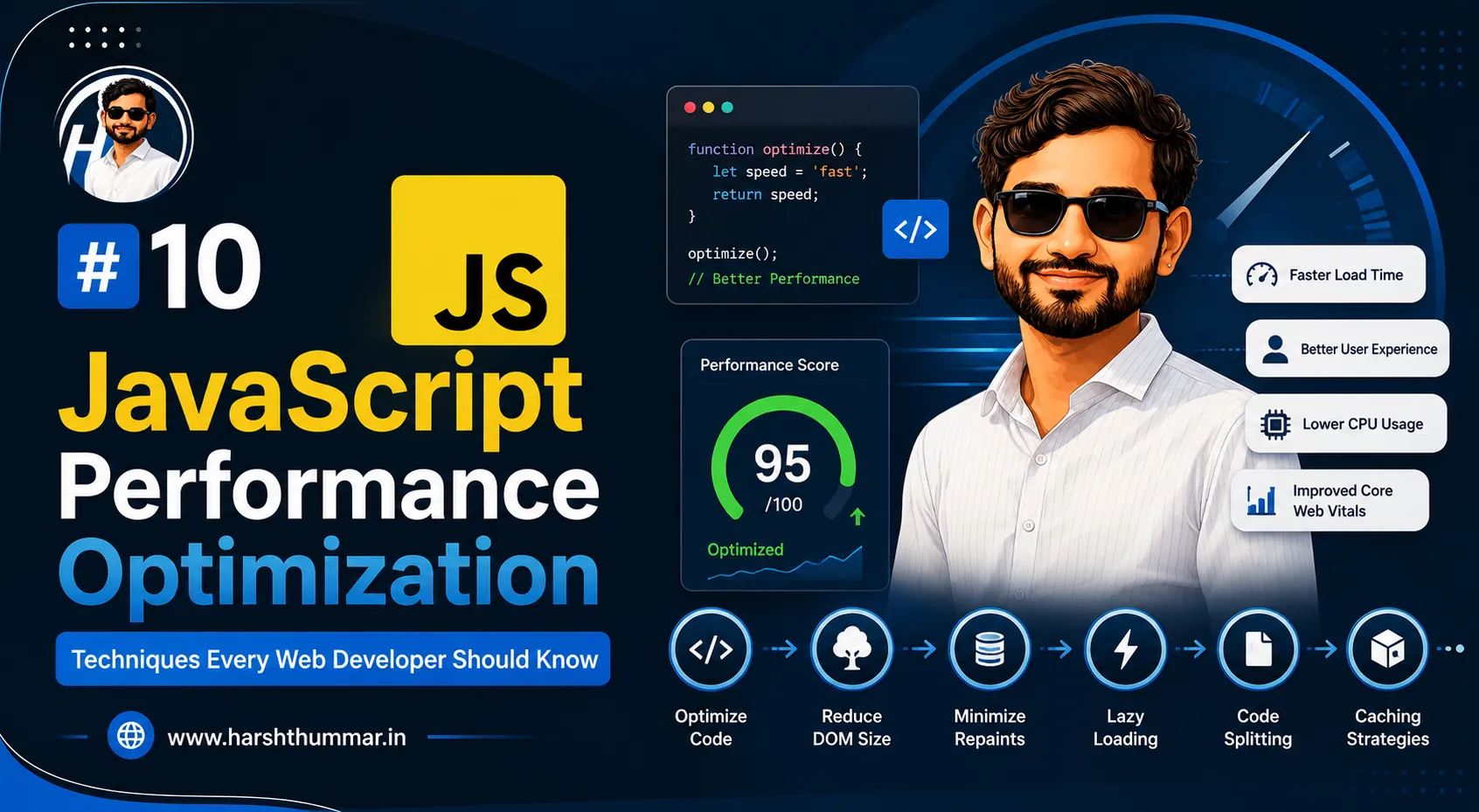
10 JavaScript Performance Optimization Techniques Every Web Developer Should Know
Website performance affects user experience, engagement, accessibility, and the overall quality of a web application for any frontend performance project.
Modern JavaScript applications can become large and complex. If developers do not pay attention to JavaScript execution, bundle size, images, API requests, and rendering, websites can become unnecessarily slow.
The good news is that many web performance optimization techniques can be implemented through relatively straightforward development practices for JavaScript performance optimization.
Here are 10 JavaScript performance optimization techniques every web developer should know to improve website performance.
Why JavaScript Performance Matters
JavaScript powers many interactive features on modern websites.
However, JavaScript performance can also become a performance bottleneck when:
- Too much code is downloaded
- Large scripts execute on the main thread
- Components render unnecessarily
- API requests are duplicated
- Third-party scripts are excessive
- Large libraries are loaded unnecessarily
Performance optimization is therefore an important part of frontend performance development and website speed optimization.
1. Reduce Unnecessary JavaScript
One of the easiest ways to improve performance is to avoid shipping code that users do not need.
Review your dependencies and remove unused packages for JavaScript optimization.
For example, if a project includes a large library for a feature that can be implemented with a small native JavaScript function, consider whether the dependency is necessary.
Smaller bundles generally mean less code to download and process.
2. Use Code Splitting
Large applications do not always need to load every piece of JavaScript immediately.
Code splitting allows applications to load functionality when it is required.
For example, an admin dashboard may contain many features that a user does not need on the login page.
Loading those features only when necessary can reduce the initial JavaScript workload.
3. Optimize Images
Images can have a significant impact on website performance.
Use appropriate:
- Image dimensions
- Compression
- Modern image formats
- Lazy loading
- Responsive images
Avoid loading a 3000-pixel image when the UI only displays it at 400 pixels.
4. Lazy Load Non-Critical Content
Not everything needs to load immediately.
Images, components, videos, and other resources that appear below the initial viewport can often be loaded later.
This reduces the initial workload and can improve perceived performance.
5. Avoid Unnecessary React Re-Renders
React performance optimization can become inefficient when components render more often than necessary.
Review component state and props carefully.
Avoid putting frequently changing state at unnecessarily high levels of the component tree.
Use memoization techniques only when they provide a real benefit rather than adding complexity everywhere.
6. Optimize API Requests
Frontend performance is not only about JavaScript.
API requests also affect user experience.
Avoid:
- Duplicate API requests
- Fetching unnecessary data
- Excessive polling
- Large API responses
Instead, request only the information required by the current page.
7. Use Caching
Caching can prevent applications from repeatedly downloading or calculating the same information.
Depending on the architecture, caching can be implemented at different levels:
- Browser
- CDN
- Server
- Database
- API layer
A good caching strategy can significantly reduce repeated work.
8. Optimize Database Queries
For full-stack applications, frontend performance can be affected by backend performance.
A slow database query can make a fast frontend feel slow.
Database indexes, efficient queries, pagination, and returning only necessary fields can improve backend response times.
9. Reduce Third-Party Scripts
Analytics, advertising, chat widgets, tracking tools, and other third-party scripts can increase page complexity.
Only load scripts that provide meaningful value.
Review third-party resources regularly.
10. Measure Before Optimizing
Performance optimization should be based on measurements rather than assumptions.
Useful tools can help identify:
- Large JavaScript bundles
- Slow network requests
- Long JavaScript tasks
- Rendering problems
- Large images
- Layout issues
The goal is to identify the actual bottleneck and optimize it.
Performance Optimization for React Developers
React developers should pay attention to:
- Component architecture
- State management
- Bundle size
- Lazy loading
- Image optimization
- API requests
- Rendering behavior
- Third-party libraries
Performance should be considered during development rather than only after the application becomes slow.
Performance and SEO
Performance and SEO are related, but they are not identical.
A website should provide:
- Useful content
- Good technical structure
- Accessible navigation
- Mobile-friendly design
- Efficient loading
- Proper metadata
Improving performance can contribute to a better user experience, but SEO requires more than simply making a website fast.
A Practical Performance Checklist
Before launching a website, check:
- Is JavaScript minimized and appropriately split?
- Are images optimized?
- Are unnecessary dependencies removed?
- Are API requests efficient?
- Is content lazy-loaded where appropriate?
- Are third-party scripts necessary?
- Is the website responsive?
- Have performance problems been measured?
- Are backend APIs fast enough?
- Is caching configured appropriately?
Conclusion
JavaScript performance optimization is an ongoing process.
The goal is not to optimize every line of code.
Instead, identify the biggest performance problems and address them systematically.
For React, Next.js, and other modern JavaScript applications, developers should think about performance from the beginning of the project.
A fast website is not simply about technical benchmarks. It is about creating a better experience for real users.
Frequently Asked Questions
How can I make JavaScript faster?
Reduce unnecessary JavaScript, optimize dependencies, use code splitting, avoid unnecessary rendering, optimize API requests, and measure performance regularly.
Does React make websites slow?
React itself does not automatically make a website slow. Application architecture, rendering behavior, JavaScript size, network requests, and implementation quality all affect performance.
How can I improve React performance?
Optimize component rendering, manage state carefully, reduce unnecessary JavaScript, lazy-load appropriate content, and optimize API requests.
Do images affect JavaScript performance?
Images primarily affect network and rendering performance, but large image resources can significantly affect overall page loading.
Should I use memoization everywhere?
No. Memoization introduces complexity and is most useful when it solves an actual performance problem.
What is the most important performance optimization?
There is no universal single optimization. Measure the application first and focus on the largest bottleneck.
How to Make a React Website SEO-Friendly and Faster in 2026
How to Build a Secure REST API with Node.js, Express, JWT, and MongoDB
Related Articles & Guides
TypeScript with React and Node.js: The Complete Full-Stack Development Guide for 2026
Learn how to use TypeScript with React and Node.js to build scalable, secure, and maintainable full-stack web applications in 2026.
How to Build an AI-Powered Web Application with Next.js, Node.js, and MongoDB in 2026
Learn how to build an AI-powered web application using Next.js, Node.js, and MongoDB in 2026, including AI APIs, authentication, database integration, and deployment.
How to Make a React Website SEO-Friendly and Faster in 2026
Learn how to improve React and Next.js SEO with metadata, semantic HTML, fast performance, internal linking, clean URLs, structured content, and technical SEO.