A recruiter messages you on LinkedIn. The role is remote, the salary is good, and the first step is a short take-home coding test: clone a GitHub repo, run npm install and npm run dev, then fix a small bug. It looks like a normal Next.js or React project.
It isn't. In a growing number of cases, the repo is the attack. Hidden in a config file is code that runs the moment you start the dev server, or even the moment you open the folder in VS Code, and it quietly steals saved passwords, browser cookies, SSH keys, .env files and crypto wallets.
This fake job interview malware campaign (security researchers call it Contagious Interview) has been running since at least 2023 and grew sharply in 2026. Trend Micro, Elastic Security Labs, Google's Threat Intelligence Group and others have documented hundreds of poisoned repositories. This guide explains how the trap works, shows the exact red flags from a real sample I took apart, and gives you a checklist to run on any repo before you execute a single line of it. Facts were checked against public research on 21 November 2026.
How the Fake Coding Test Scam Works
The attack doesn't exploit a bug in Node.js, npm or VS Code. It exploits trust: you're asked to run code as part of a hiring process, so you do.
- The approach. A "recruiter" or "CTO" contacts you on LinkedIn, Telegram, Discord or a freelance site. Web3, crypto, fintech and AI roles are common bait because the pay sounds high.
- The repo. You get a link to a GitHub, GitLab or Bitbucket repo, or a ZIP file. The project is real-looking, often a cloned open-source app or dashboard with a believable commit history.
- The trigger. You're asked to install and run it, usually on a deadline ("we need it back in an hour").
- The payload. A hidden loader runs, contacts the attacker's server, downloads the real malware and keeps it running in the background, even after you close the terminal.
By the time the "interview" goes quiet, the malware has usually already sent your data out.
Where the Malicious Code Hides
Attackers put the loader in files that run automatically and that developers rarely read.
| Hiding place | When it runs | Why you miss it |
|---|---|---|
package.json scripts (dev, start, build, prepare, postinstall) | On npm install or npm run dev | A script like node init && next dev looks like setup |
next.config.js, postcss.config.mjs, eslint.config.mjs, tailwind.config.js | Every time the dev server or linter loads its config | Nobody reviews config files |
.vscode/tasks.json with "runOn": "folderOpen" | The moment you open the folder in VS Code | You never ran anything yourself |
A file with no extension, e.g. init or .env.js | Called from a script | Looks like tooling |
| A dependency published to npm | On install or import | It's "just a package" |
The sample I analysed used five of these at once: a file called init run before every npm script, the same payload appended to next.config.js, postcss.config.mjs and eslint.config.mjs, and a hidden VS Code task that ran it on folder open.
The Red Flags, From a Real Sample
1. Code hidden after hundreds of spaces
The config files looked completely normal in the editor. The malicious code started on the same line as the last real statement, but after several hundred spaces, so it sat far off the right edge of the screen:
module.exports = nextConfig; /* …hundreds of spaces… */ global.i='A10-…';function a(a){var c="|Pn2Zjx…If a config file has a line thousands of characters long, treat the repo as hostile.
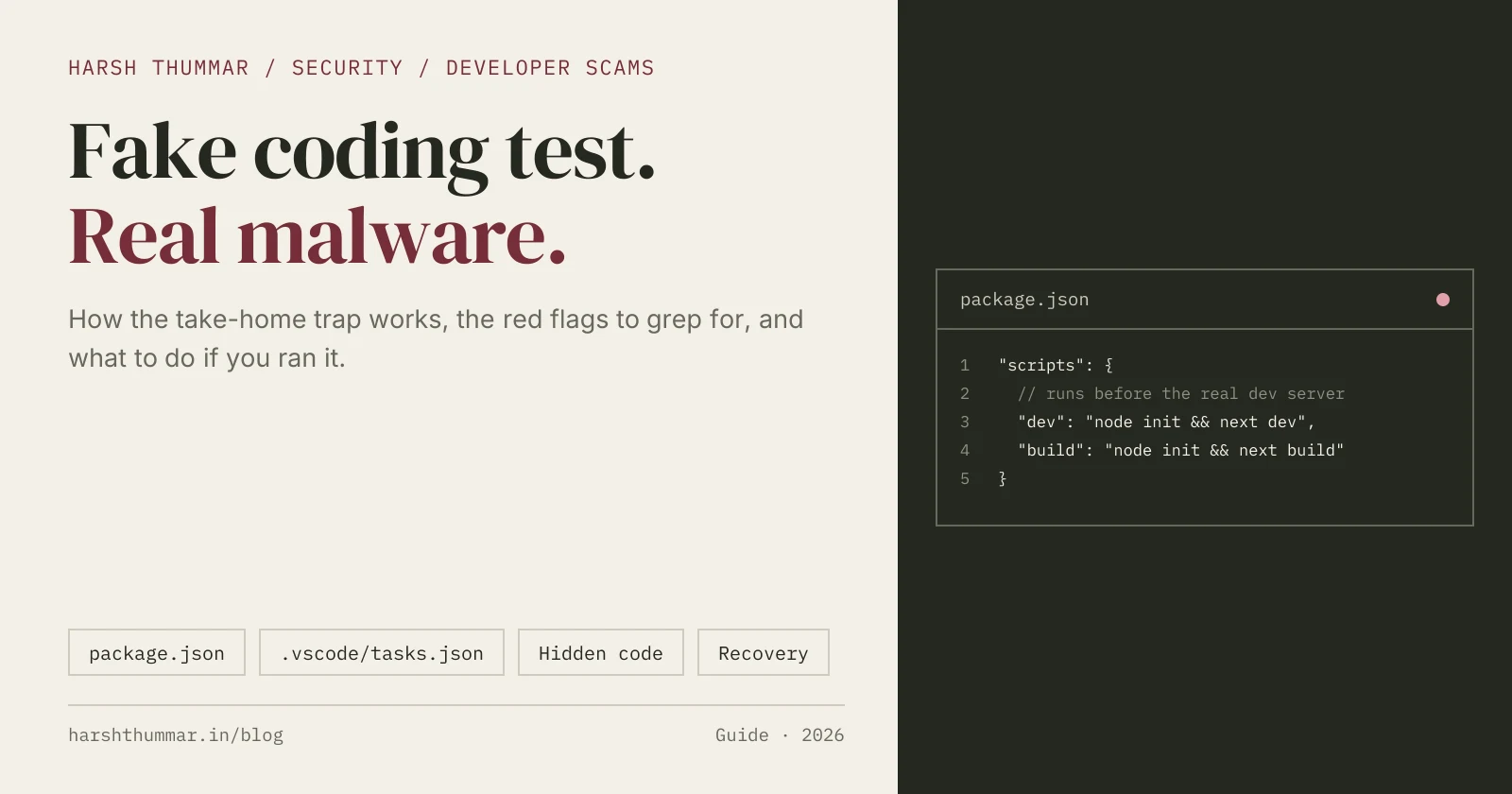
2. A script that runs an unknown file first
"scripts": {
  "dev": "node init && next dev",
  "build": "node init && next build",
  "start": "node init && next start"
}
A normal Next.js app runs next dev. Anything chained in front of it (node init, node scripts/setup, node .env.js) needs to be read before you run it.
3. A VS Code task that runs when you open the folder
{
  "label": "folder-open",
  "dependsOn": ["eslint-check"],
  "runOptions": { "runOn": "folderOpen" },
  "hide": true
}
The task was hidden, its terminal set to "reveal": "never", and it ran node .vscode/eslint, a file named to look like a linter config. Recent versions of VS Code turn automatic folder-open tasks off by default through the task.allowAutomaticTasks setting. That's why the repo also shipped a .vscode/settings.json with "task.allowAutomaticTasks": true to switch the protection back off.
4. A command server stored on the blockchain
Instead of a hard-coded address that could be blocked, the loader asked public Ethereum RPC endpoints (eth_blockNumber, eth_getTransactionCount) for a specific wallet's latest transaction, and decoded the server address from it. Researchers call this EtherHiding. Taking down one server doesn't stop it, because the attacker just sends a new transaction. If a "frontend test" talks to Ethereum nodes, it isn't a frontend test.
5. Download, decrypt, eval
The loader downloaded an XOR-encrypted script and ran it with eval, then piped it into a hidden, detached node -i process with windowsHide: true, so it kept running after the terminal closed. A copy saved itself under the home folder (in that sample, a hidden ~/.node_modules folder with .npm-ws files) to relaunch later.
How to Check a GitHub Repo Before You Run It
Do these checks before npm install, before npm run dev, and before opening the folder in your normal VS Code window.
Step 1: Read package.json first
Open it in a plain text viewer or on GitHub. Check scripts for anything that runs before the framework command, and look for preinstall, install, postinstall and prepare hooks. Check dependencies for packages you don't recognise or names one letter off a popular package.
Step 2: Search for hidden long lines
From the repo folder (macOS, Linux or Git Bash):
# Lines with 150+ spaces followed by more code: the "pushed off-screen" trick
grep -rnE '[[:space:]]{150,}[^[:space:]]' --include='*.js' --include='*.mjs' --include='*.cjs' --include='*.ts' --exclude-dir=node_modules .

# Any line longer than 1,000 characters in source or config
grep -rnE '.{1000,}' --include='*.js' --include='*.mjs' --include='*.cjs' --include='*.json' --exclude-dir=node_modules . | cut -c1-200
On Windows PowerShell:
Get-ChildItem -Recurse -File -Include *.js,*.mjs,*.cjs,*.ts |
  Where-Object FullName -notmatch 'node_modules' |
  Select-String -Pattern '\s{150,}\S' | Select-Object Path, LineNumber
Also check files with no extension in the root (init, setup, config): those can still be run with node.
Step 3: Grep for the dangerous APIs
grep -rnE 'child_process|eval\(|new Function|eth_blockNumber|eth_getTransaction|x-payload|\.unref\(\)|detached: ?(true|!0)' --exclude-dir=node_modules .A coding test has no reason to spawn processes, call eval, or talk to a blockchain. One match isn't proof (build scripts can use child_process), but every match deserves a read.
Step 4: Check the .vscode folder
Look in .vscode/tasks.json for "runOn": "folderOpen", and in .vscode/settings.json for "task.allowAutomaticTasks". A take-home project doesn't need either. Delete the .vscode folder before you open the project if you aren't sure.
Step 5: Open it in Restricted Mode
When VS Code asks "Do you trust the authors of the files in this folder?", choose No, I don't trust the authors. Restricted Mode disables tasks, debugging and many extensions, so you can read the code safely. Only trust the folder once you've finished checking it.
Step 6: Look at the git history
git log --stat -5
git log -p -- package.json '*.config.*' .vscode
Watch for one recent commit with a harmless message ("update", "post blog", "fix") that touches configs, package.json and .vscode all at once. Attackers often plant the payload in a single late commit on top of a legitimate project.
Step 7: Run it somewhere disposable
If you still want to run it, don't use your main machine:
- GitHub Codespaces or another cloud dev environment with no personal secrets
- A virtual machine you can wipe
- A Docker container, installing with scripts disabled:
docker run --rm -it -v "$PWD":/app -w /app node:22 bash
npm install --ignore-scripts
Never run a stranger's project on the same machine as your password manager, crypto wallets, SSH keys or work VPN.
Fake Recruiter Warning Signs
The code isn't the only clue. Be careful when:
- The recruiter's profile is new, has few connections, or uses a company name that doesn't match the company's real domain
- The test is a full app to run locally, not a problem to solve in a shared editor
- There's time pressure: "run it now and tell me what you see"
- They ask you to disable antivirus, use a specific Node version "because of a bug", or send you a ZIP instead of a public repo
- The role is unusually well paid for very little screening
Legitimate companies use platforms like CoderPad or HackerRank, or ask you to build something yourself. They rarely ask you to run their code on your laptop.
What to Do If You Already Ran It
Act quickly and assume anything saved on that machine is compromised.
- Disconnect from the internet, and close VS Code and any terminals in the project.
- Stop the processes. Look for
nodeprocesses you didn't start (node -e …,node -i) and end them. On Windows:
Get-CimInstance Win32_Process -Filter "Name='node.exe'" | Select-Object ProcessId, CommandLine- Remove persistence. Check your home folder for hidden folders the malware created, plus startup items, scheduled tasks and Run registry keys (Windows) or LaunchAgents (macOS).
- Clean the repo. Remove the payload from every file, the
.vscodetasks and any plantedinit-style files. If it's your own repo, check whether the bad commit was pushed. - Scan the machine with a full offline antivirus scan. If you can, reinstall the operating system: that's the only way to be sure.
- From a different, clean device, change your email, GitHub, cloud, hosting and banking passwords. Sign out all sessions, turn on 2FA, revoke GitHub tokens and SSH keys, and rotate every API key in your
.envfiles. - Move any crypto to a new wallet created on a clean device.
- Report it: the repo to GitHub, GitLab or Bitbucket, and the recruiter's profile to LinkedIn.
Safe Coding Test Checklist
| Check | Safe sign | Red flag |
|---|---|---|
package.json scripts | next dev, vite, node server.js | node init && …, install hooks |
| Config files | Short and readable | Lines thousands of characters long |
.vscode folder | Missing, or formatter settings only | folderOpen tasks, allowAutomaticTasks: true |
| Network calls | Your API or none | Ethereum RPC, raw IP addresses |
| Code patterns | Normal app code | eval, new Function, child_process, unref() |
| Where you run it | Codespace, VM or container | Your main laptop |
Related Guides
- npm Supply Chain Security →Lock files, audits and safer installs for every project.
- Secure Node.js REST API →Validation, auth and secrets handling on the backend.
- Next.js Authentication →Secure login and protected routes.
- AI tools directory →Coding agents that can help you review an unfamiliar repo.
Frequently Asked Questions
What is the fake job interview malware scam?
It's a campaign where fake recruiters send developers a "take-home coding test" repository. The project contains hidden code that runs when you install it, start it, or open it in VS Code, and installs malware that steals passwords, browser data, SSH keys and crypto wallets. Researchers track it as Contagious Interview.
Can opening a project in VS Code run malware?
Yes, if you trust the folder. A .vscode/tasks.json file can define a task with "runOn": "folderOpen", which runs automatically. Recent VS Code versions turn automatic tasks off by default, and Restricted Mode blocks them, but malicious repos try to switch the setting back on through .vscode/settings.json.
Is running npm install on an unknown repo safe?
No. npm install runs install scripts from the project and its dependencies. Use npm install --ignore-scripts inside a container or virtual machine, and read package.json before installing anything from someone you don't know.
How do I check a GitHub repo for malware before running it?
Read package.json scripts, search for very long lines and code hidden after long runs of spaces, grep for eval, child_process and blockchain RPC calls, check the .vscode folder for folder-open tasks, review the latest commits, and open the folder in VS Code's Restricted Mode.
Why does the malware use the Ethereum blockchain?
To hide where its command server is. The loader reads a wallet's latest transaction through public RPC endpoints and decodes the server address from it. Blocking one server doesn't help, because the attacker just sends a new transaction with a new address. Researchers call this technique EtherHiding.
What should I do if I ran a fake coding test?
Disconnect from the internet, stop unknown node processes, remove the malware's persistence, run a full offline scan (or reinstall the OS), then change all passwords and revoke tokens and SSH keys from a different, clean device. Move any crypto to a new wallet and report the repo and the recruiter.
Conclusion
A coding test should test your skills, not your machine. Before you run any project from someone you don't know, read package.json, scan for hidden long lines and dangerous APIs, check the .vscode folder, open it in Restricted Mode, and run it in a container or VM. It takes ten minutes, and it's the difference between a bad interview and losing your accounts.