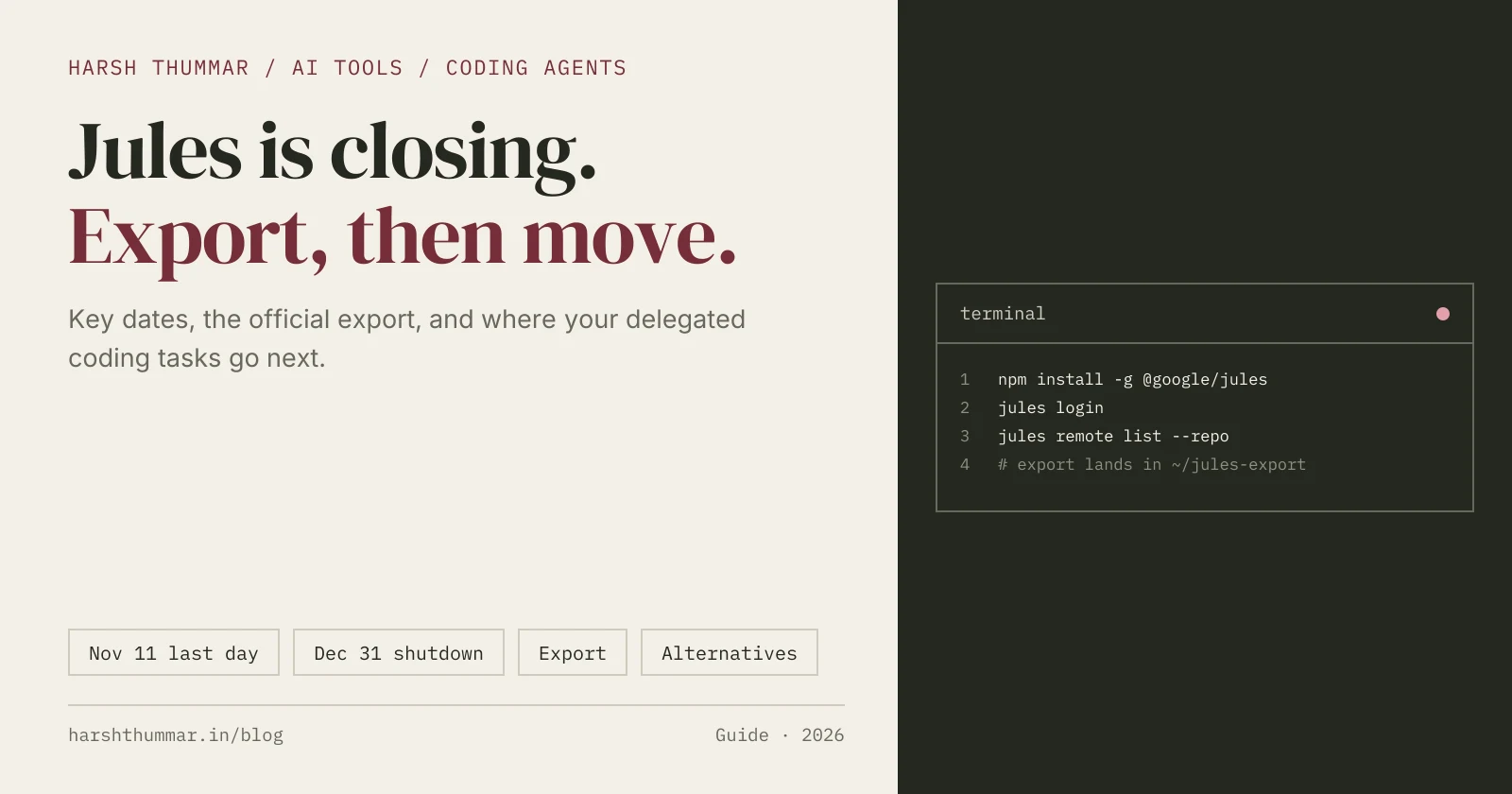
- Jules Shutdown: Key Dates
- What You Keep and What You Need to Export
- Step 1: Finish Running Sessions Before 11 November
- Step 2: Install Jules Tools and Sign In
- Step 3: Run the Official Export
- Step 4: Check and Protect Your Export
- Step 5: Move Your Setup to Your Next Agent
- Step 6: Remove Jules' Access to GitHub
- Best Alternatives to Google Jules
- Related Guides
- Frequently Asked Questions
- Conclusion
Google is shutting down Jules, its asynchronous coding agent. On 29 October 2026 the Jules changelog announced that Jules "will wind down on December 31, 2026", as Google unifies its agentic coding work. Google names its agent-first platform, Google Antigravity, as one of the products shaped by what it learned from Jules.
If you used Jules, two things matter now: export your data before the deadline, and choose where your delegated coding tasks go next.
This guide covers both. The dates, commands and export details come from the official Jules documentation and changelog, checked on 2 November 2026. Where the official notice doesn't answer a question, I say so instead of guessing.
Jules Shutdown: Key Dates
| Date | What happens |
|---|---|
| 29 October 2026 | Google announces the wind-down and publishes the export steps. |
| 11 November 2026 | Last day to keep working: "You have until November 11, 2026 to continue finishing up sessions." |
| 12 November to 31 December 2026 | Jules is read-only. You can look at your work, but not run new tasks. |
| 31 December 2026 | Jules winds down completely. |
The practical deadline is 11 November. Finish or wrap up anything still running before then.
What You Keep and What You Need to Export
Your code is safe. Jules worked on your GitHub repositories, so as the notice says: "Your code, branches, and pull requests already live in GitHub, so they stay where they are."
What lives only inside Jules is your configuration and history. The official export saves:
- Account settings
- Environment variables (including their values)
- Scheduled tasks
- Connected repositories
- Memories (what Jules learned from your feedback)
- Setup scripts for each repository
- Every session, with its prompt, plan, full activity log and code patches
The setup scripts, memories and scheduled tasks are the parts worth carrying to your next agent. They took you time to get right.
Step 1: Finish Running Sessions Before 11 November
- Open jules.google.com and check for sessions that are running, paused or waiting for plan approval.
- Finish the ones you need. Publish the branch or open the pull request so the work lands in GitHub.
- Write down which scheduled tasks you rely on. The notice doesn't say whether they keep running during the read-only period, so plan to replace them rather than count on them.
Anything you don't publish to GitHub stays inside Jules, and the session export only keeps it as patches.
Step 2: Install Jules Tools and Sign In
The export uses Jules Tools, the Jules command-line tool. It needs Node.js and npm.
npm install -g @google/jules
jules login
jules login opens your browser to sign in with the Google account you use for Jules. To check that the CLI can see your work, list your connected repositories:
jules remote list --repoIf the list is empty, check that your GitHub account is still connected to Jules before going further.
Step 3: Run the Official Export
There is no jules export command. Instead, Google provides an export prompt in the turndown entry of the Jules changelog. You run it with a CLI coding agent:
- Open a terminal in your home directory.
- Start a CLI coding agent. Google's example is Claude Code; the Codex CLI or Antigravity's
agywork the same way. - Copy the export prompt from the official changelog page and paste it into the agent.
According to the notice, the agent "checks your setup, runs the export, and tells you what it saved." The prompt has it check that jules is installed and signed in, list your repositories, and then run a Python script that downloads everything.
Read the prompt before you paste it. It's good practice for any script that runs with your credentials. Note too that the notice says the script reads from internal Jules endpoints that are undocumented, not the public Jules API. So run it soon, while those endpoints are still up, and copy the prompt only from Google's own page.
Step 4: Check and Protect Your Export
When the export finishes, your data is in ~/jules-export:
sources.json: your connected repositories.- One folder per repository, with its setup script, test commands and memories.
- JSON files for your account settings, environment variables and scheduled tasks.
- One folder per session, with a
summary.md, the activity log and the code diffs.
Open a few session folders and repository folders to confirm the export is complete.
Keep this folder private. As the notice warns, env-variables.json "contains your environment variable values". Don't commit it, don't put it in a shared or synced folder, and delete it once you've moved those values into your new tool's secret store. If any of those values are long-lived keys, this is a good moment to rotate them.
Step 5: Move Your Setup to Your Next Agent
Nothing in the official documentation imports a Jules export into another product. You move the useful parts by hand, and most of them map cleanly onto an AGENTS.md file. Jules already read AGENTS.md, and so do Codex, Antigravity, Devin and Claude Code (through CLAUDE.md, which can point to it).
| Jules export | Where it goes next |
|---|---|
| Setup script (per repository) | The "Install" and "Test" lines of AGENTS.md, plus your new agent's environment setup |
| Memories | Conventions and rules in AGENTS.md |
| Environment variables | Your new agent's secrets or environment settings, never the repository |
| Scheduled tasks | Recreate them in the new tool, or as a scheduled workflow that starts an agent |
| Sessions | Keep as a record; the code itself is already in GitHub |
Here's an AGENTS.md built from a typical Jules setup script and memories:
# AGENTS.md
## Setup
- Install: npm ci
- Test: npm test (must pass before opening a pull request)
- Lint: npm run lint

## Conventions (from Jules memories)
- Use the existing API client in lib/api.ts; don't add new HTTP libraries
- Keep each pull request to one change, with a short summary and test notes
- Never edit database migrations that have already been deployed
Commit it to the root of each repository. Whichever agent you choose will pick it up on its first task.
Step 6: Remove Jules' Access to GitHub
Once your export is safe and you've moved to another tool, remove the Google Labs Jules GitHub app:
- On GitHub, open your profile Settings, then Applications.
- Find Google Labs Jules and click Configure.
- Remove repository access, or uninstall the app.
If your team added the jules label to GitHub issues to start tasks, retire that label or switch it to your new agent's workflow, so nobody waits for a task that never starts.
Best Alternatives to Google Jules
Jules was an asynchronous agent: you gave it a task, it worked in its own cloud machine and handed back a branch or pull request. These tools cover the same job:
Google Antigravity
Google's notice points to Antigravity as the agent-first platform that Jules' lessons are shaping. Antigravity has an app and IDE with an Agent Manager for handing out tasks and following their progress, plus the agy CLI and rules through AGENTS.md. It's free for individuals with weekly rate limits, and Google AI Pro and Ultra subscribers get higher limits. The notice doesn't describe a migration path from Jules into it, so treat it as a new setup. Guide: Google Antigravity setup.
GitHub Copilot Cloud Agent
This is the closest match if you started Jules tasks from GitHub issues. You assign an issue to Copilot, it works in the background and opens a pull request for review. Guide: GitHub Copilot setup, including the cloud agent.
OpenAI Codex
Codex runs locally in the CLI and VS Code, and can hand longer, independent tasks off to the cloud. That makes it a good fit if you want one tool for both hands-on and delegated work. Guide: OpenAI Codex CLI setup.
Devin
Devin is built for delegation at team scale: an approved environment blueprint, tasks from Slack, Linear or Jira, DeepWiki for codebase docs, and an API for automation. It's the strongest replacement if you used the Jules API or ran many tasks in parallel. Guide: Devin AI setup.
Claude Code
Claude Code is a hands-on agent in your terminal and editor, and it's the agent Google uses as its example for running the export. Choose it if you'd rather work alongside an agent than hand off whole tasks. Guide: Claude Code setup.
Which One Should You Choose?
- You started tasks from GitHub issues: GitHub Copilot cloud agent.
- You want to stay with Google: Google Antigravity.
- You ran tasks from Slack or Linear, or used the API: Devin.
- You want local and cloud work in one tool: OpenAI Codex.
- You want to work hands-on with an agent: Claude Code.
For prices, plans and side-by-side comparisons, see the AI tools directory.
Related Guides
- Google Antigravity Setup Guide →Install the IDE and agy CLI, use the Agent Manager.
- GitHub Copilot Setup Guide →Assign issues to the Copilot cloud agent.
- Devin AI Setup Guide →Delegate tickets from Slack, Linear and Jira.
- OpenAI Codex CLI Setup Guide →Local work and cloud tasks.
- Claude Code vs Codex →Two leading coding agents compared.
Frequently Asked Questions
Is Google Jules shutting down?
Yes. Google announced on 29 October 2026 that Jules will wind down on 31 December 2026, as part of unifying its agentic coding work.
Can I still use Jules?
You can finish sessions until 11 November 2026. After that, Jules is read-only until the end of the year, and it shuts down on 31 December 2026.
Will I lose my code when Jules shuts down?
No. Your code, branches and pull requests are in GitHub and stay there. What you can lose is the data that lives only in Jules: settings, environment variables, scheduled tasks, setup scripts, memories and session history. The official export saves all of it.
How do I export my Jules data?
Install Jules Tools with npm install -g @google/jules, run jules login, then open a CLI coding agent in your home directory and paste the export prompt from the Jules changelog. Your data is saved to ~/jules-export.
Is there a jules export command?
No. The Jules Tools CLI has no export subcommand. The export runs through the prompt and script that Google published in the turndown notice.
Does the export include my environment variables?
Yes. env-variables.json contains the values, so keep the export folder private and out of your repositories.
What is the best alternative to Jules?
It depends on how you used Jules. GitHub Copilot's cloud agent is the closest match for issue-based tasks, Google Antigravity is Google's own agent platform, Devin suits teams delegating from Slack or Linear, and OpenAI Codex combines local and cloud tasks.
Will I get a refund for Google AI Pro or Ultra?
The shutdown notice doesn't mention refunds or subscriptions. Jules was one of the products included in Google AI Pro and Ultra plans, so check your plan in your Google account for anything that changes.
Conclusion
Jules was one of the first coding agents built around delegation, and its shutdown leaves a short window to act. Finish your sessions before 11 November, run the official export, move your setup scripts and memories into an AGENTS.md, and pick the agent that matches how you used Jules. Your code is already safe in GitHub; the export makes sure everything around it is too.
Compare coding agents, plans and prices in the AI tools directory.